
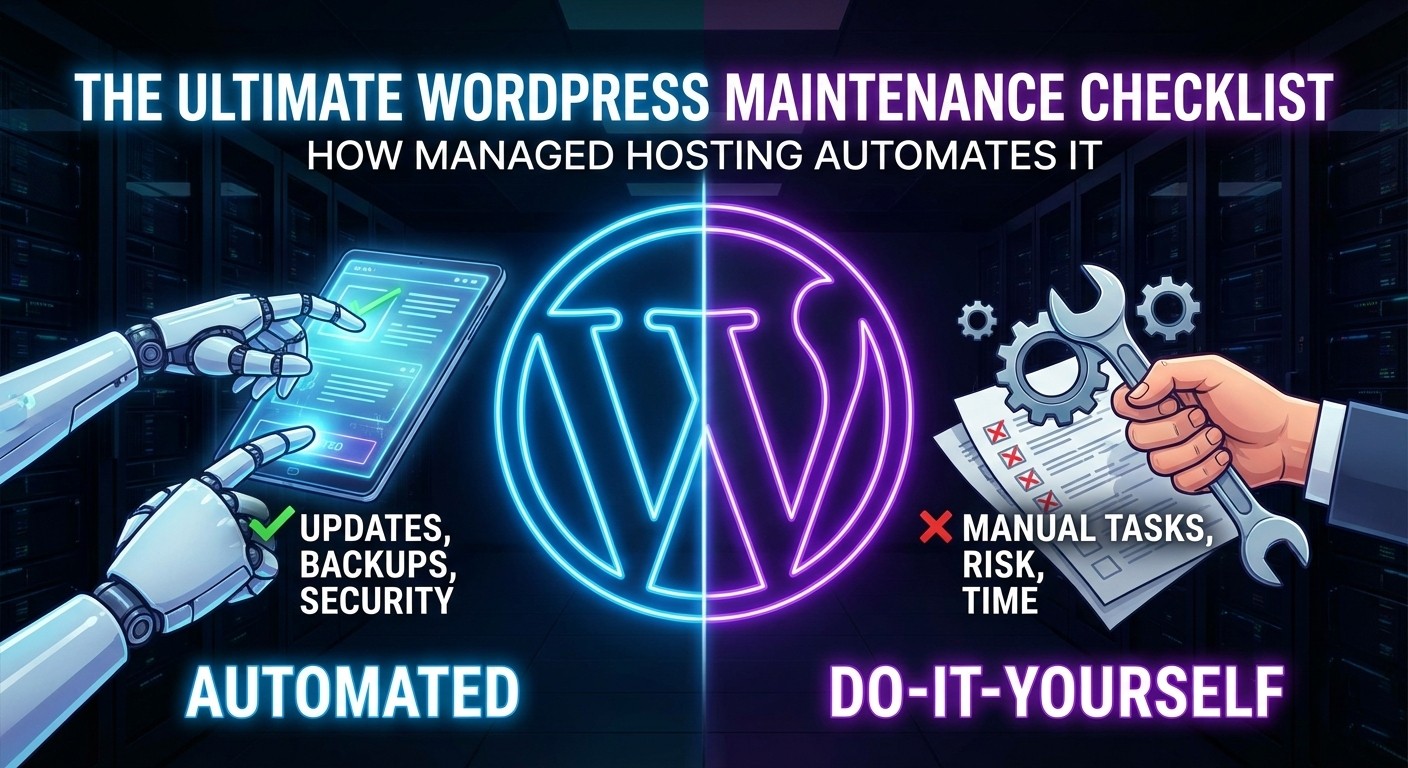
WordPress powers over 40% of the web because it’s powerful, flexible, and relatively easy to use. But there is a hidden truth new site owners often learn the hard way: WordPress is not “set it and forget it.”
Like owning a car, a website requires regular maintenance to run safely and efficiently. Ignore the oil changes (database optimization) or skip the brake checks (security scans), and eventually, the engine will seize up, or worse, you’ll crash.
A neglected WordPress site becomes slow, starts throwing errors, and becomes a prime target for hackers.
So, what exactly needs to be done to keep a site healthy? Below is the ultimate manual maintenance checklist for the “Do-It-Yourself” host. Read through it, and if it starts to feel overwhelming, keep reading—we’ll show you the smarter alternative at the end.
Part 1: The “DIY” Manual Maintenance Checklist
If you are on generic, shared hosting, the responsibility for maintaining your site rests entirely on your shoulders. You will need to carve out time weekly and monthly to perform these essential tasks manually or configure a dozen different plugins to help you do it.
The Weekly Essentials
1. Complete Off-Site Backups Before touching anything, you need a safety net. You must ensure your entire site (files and database) is backed up.
- The DIY Reality: Relying on your host’s basic backups often isn’t enough (they might store them on the same server that just crashed). You need to install a backup plugin, configure it to send files to a remote storage location like Dropbox or Google Drive, and verify that the backups are actually working.
2. Plugin and Theme Updates Developers release updates to fix bugs, patch security holes, and add features. Leaving old plugins active is the #1 entry point for hackers.
- The DIY Reality: You must log in, check for updates, and run them. Crucially, you need to hope an update doesn’t conflict with another plugin and break your site’s layout or functionality—a common occurrence that requires immediate troubleshooting.
3. WordPress Core Updates These are critical security and functionality updates for the WordPress software itself.
- The DIY Reality: While minor updates often happen automatically, major version releases require manual intervention and careful testing to ensure compatibility with your themes and plugins.
The Monthly “Deep Cleans”
4. Database Optimization Over time, your WordPress database gets clogged with “bloat”—thousands of post revisions, spam comments, trashed items, and transient options left behind by old plugins. This bloat slows down every query your site makes.
- The DIY Reality: You need to install a database optimization plugin and manually run cleaners to sweep out the junk data without accidentally deleting something important.
5. Security Scans & Malware Checks You need to know if your site has been compromised before Google blacklists it or your customers complain.
- The DIY Reality: Install a security plugin like Wordfence or Sucuri. Configure the firewall. Manually review scan results and logs to identify suspicious file changes or brute-force login attempts.
6. Performance Checks & Uptime Review Is your site slower this month than last month? Was your site down at 3 AM on Tuesday?
- The DIY Reality: You need external tools (like GTmetrix or Uptime Robot) to monitor this data, analyze why things slowed down, and then attempt to fix the bottlenecks yourself.
Part 2: The Smarter Way (How OneStopWP Automates the Checklist)
If looking at the list above makes you feel tired, you aren’t alone. Most business owners want to focus on creating content and selling products, not acting as a part-time server administrator.
This is the fundamental difference between generic hosting and OneStopWP Managed Hosting.
We don’t just give you server space; we take ownership of the infrastructure and the routine maintenance so you don’t have to. Here is how that scary checklist changes when you host with OneStopWP:
Backups: Automated & Redundant
Forget backup plugins and Dropbox accounts. We take automatic, daily backups of your entire site and store them securely off-site for 10 days. Need to restore? You can do it with a single click from your dashboard. It’s peace of mind on autopilot.
Updates: Managed & Safe
We handle the core WordPress updates for you, ensuring your foundation is secure. For crucial plugin updates, our environment is designed to ensure stability, reducing the anxiety of the dreaded “white screen of death” after hitting the update button.
Security: Proactive, Not Reactive
Instead of relying on you to configure a security plugin after the fact, security is baked into our server infrastructure. Our enterprise-grade Web Application Firewall (WAF) blocks malicious traffic and brute-force attacks before they even reach your WordPress installation. We scan for malware at the server level, so you don’t have to worry about it.
Optimization: Built-In Performance
You don’t need aggressive database cleaning plugins because our servers are tuned specifically for WordPress. We utilize server-side caching (like Redis), which drastically reduces the load on your database in the first place, keeping your site fast without the manual grunt work.
Conclusion
Maintenance is mandatory, but doing it yourself is optional.
You can spend hours every month running backups, clicking update buttons, and sweating over security logs. Or, you can choose OneStopWP and have your entire maintenance checklist automated by experts.
Your time is valuable. Stop spending it on server administration and start spending it on growing your business.
Ready to cross “website maintenance” off your to-do list forever? Explore OneStopWP’s managed plans today.